Projector Auto Focus Explained: How It Finds Sharpness
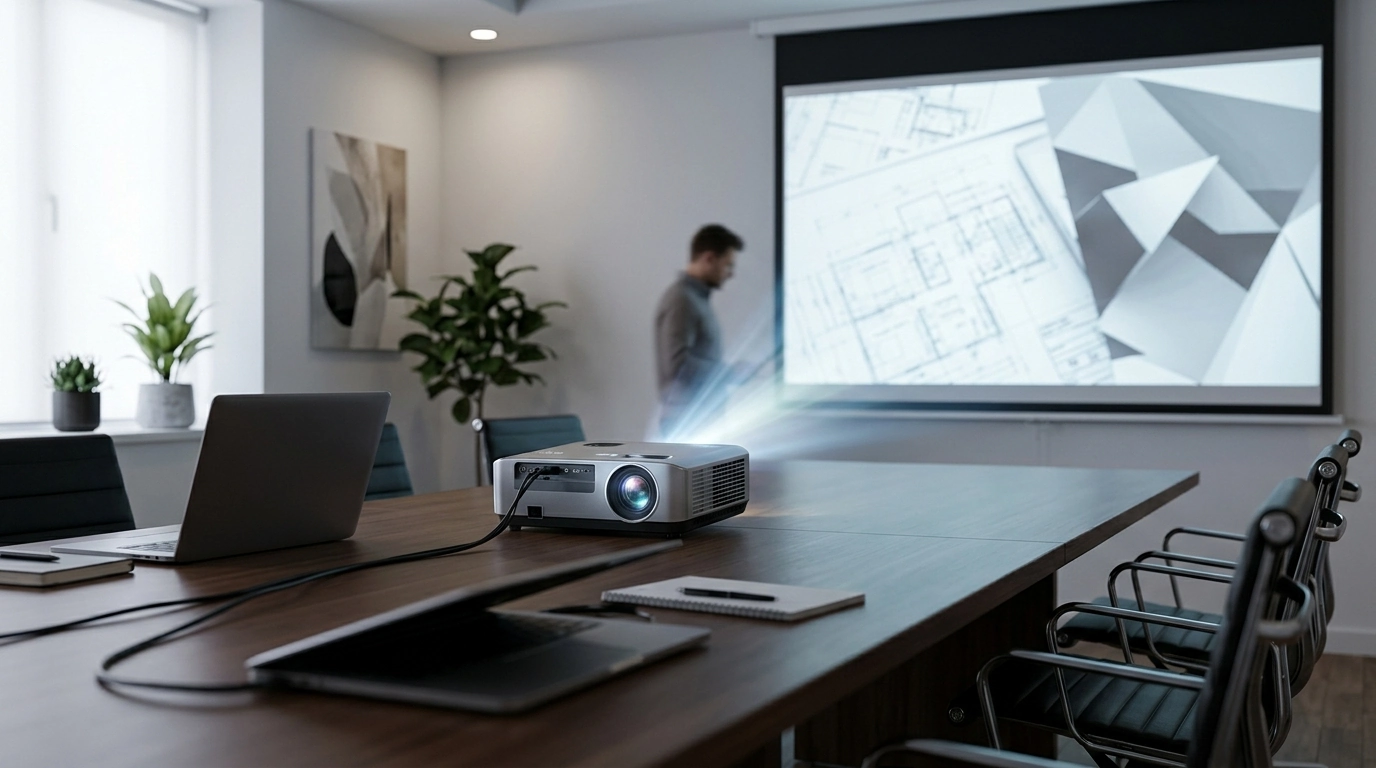
How does projector auto focus work?
Projector auto focus is a built-in system that makes the projected image look sharp without manual tweaking. Instead of turning a focus ring by hand, the projector measures how clear the picture is on the wall or screen, then moves an internal lens element (or adjusts focus electronically) until text edges and fine details look crisp.
What the projector is “looking for”
Most auto-focus projectors rely on one (or a mix) of these methods:
Image-based (contrast) focusing: The projector analyzes the live picture from its imaging chip. It checks contrast along edges (like letter outlines). Higher edge contrast usually means better focus, so it “hunts” through focus positions until it finds the sharpest result.
Distance sensing: Some models use a sensor (often time-of-flight/laser or an IR-based system) to estimate the distance to the projection surface. With that distance, the projector can move the lens to a calculated focus position quickly, then fine-tune with image analysis.
What happens when you move the projector
When the projector detects motion (from an internal accelerometer/gyro) or a big change in the scene, it triggers a refocus cycle. You’ll typically see a brief “pulsing” of sharpness while the lens motor steps through positions. Once it locks, it stops adjusting to avoid constant micro-changes.
Why auto focus can struggle sometimes
Auto focus works best with clear edges and decent light control. It can take longer or miss slightly if the wall is textured, the image is mostly one solid color, there’s heavy keystone correction, or the room is very bright. In those cases, pausing on a menu screen with text (or a focus test pattern) often helps the projector find a strong edge signal.
For a deeper look at projectors that combine auto focus with modern features (like 1080p, 4K input, and smart OS options), see the full guide here: https://exceptionaltrendsrealm.shop/guide-mini-projector-1080p-auto-focus-4k-input-android-11/.
FAQ
Does keystone correction affect focus?
It can. Heavy digital keystone can slightly soften the image because it resamples pixels, so even perfect lens focus may look less sharp; focusing after setting keystone usually gives the best result.










Leave a comment