100W LED USB-C to USB-C Cable for MacBook & Samsung
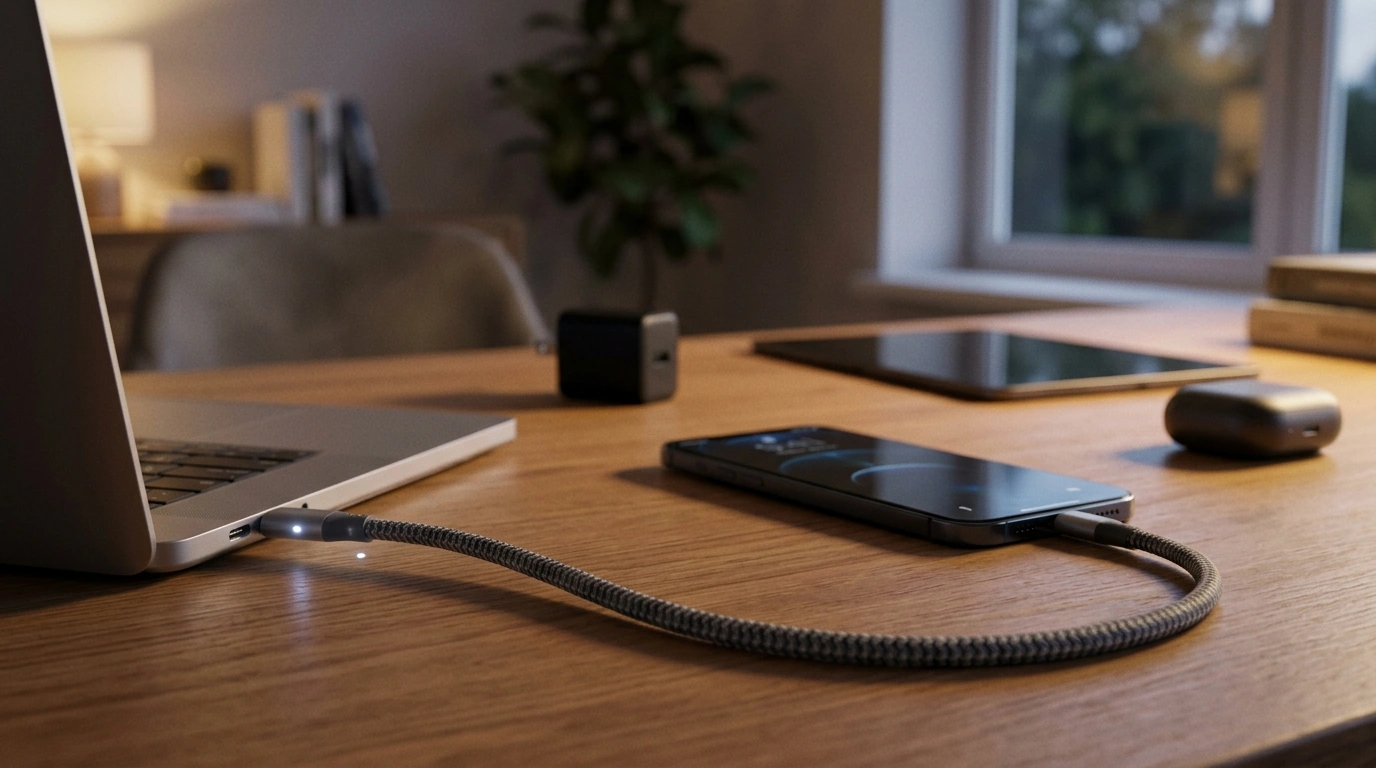
LED USB-C to USB-C Fast Charging Cable (100W PD & QC) for MacBook and Samsung
A good USB-C to USB-C cable matters as much as the charger behind it. With support for high-wattage Power Delivery and wide device compatibility, an LED-enabled fast-charging cable can make it easier to confirm charging status at a glance while keeping daily charging reliable for laptops, tablets, and phones.
What this cable is designed to do
- Deliver high-power USB-C charging up to 100W when paired with a compatible USB-C Power Delivery (PD) charger.
- Support fast charging on many USB-C devices that negotiate higher power profiles, including laptops and newer Android phones.
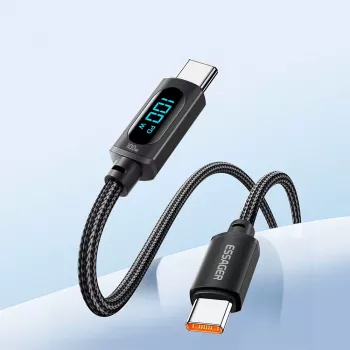
- Provide a visual charging indicator via the integrated LED so charging is easier to confirm in low light.
- Serve as an everyday USB-C to USB-C cable for charging and general connectivity between USB-C devices.
If you want a single cable that can cover phone charging during the day and laptop top-ups at night, a 100W-capable USB-C cable is built for that “one cable, many devices” routine.
Core charging features that affect real-world speed
- 100W (up to 20V/5A) capability helps cover many USB-C laptops, including MacBook models that charge over USB-C.
- USB Power Delivery (PD) support enables smart negotiation so devices draw only what they need.
- QC3.0 support can benefit compatible devices and chargers that use Qualcomm fast-charging profiles (where applicable through USB-C implementations).
- Actual charging speed depends on three things working together: the device’s max input, the charger’s output, and the cable’s current rating.
- Best results typically come from pairing with a certified USB-C PD wall charger of adequate wattage (e.g., 30W/45W/65W/100W depending on the device).
Think of the cable as the “lane width” for power, while the charger is the “engine” and your device is the “speed limit.” A 100W lane helps prevent unnecessary bottlenecks, but the device and charger still decide how fast charging can go. For a deeper overview of how PD negotiation works, see the USB-IF USB Power Delivery reference.
Compatibility: MacBook, Samsung, and other USB-C devices
- MacBook compatibility: works with USB-C charging MacBook Air and MacBook Pro models when used with a suitable USB-C PD charger. Apple also documents USB-C charging behavior and requirements on Apple Support.
- Samsung compatibility: supports fast charging behavior on many Samsung USB-C phones when paired with a compatible fast charger.
- Also suitable for many USB-C iPads, USB-C earbuds, handheld gaming devices, and USB-C power banks.
- Device-side limitations still apply: some phones cap at specific wattages, and some laptops require higher-wattage chargers for peak performance.
- For best compatibility, use a USB-C PD charger from a reputable brand and avoid mixing damaged cables/adapters.
If a Samsung phone supports a specific fast-charging standard, it still needs the right charger and settings enabled to take advantage of it. For background on Quick Charge, Qualcomm maintains a general overview at Qualcomm Quick Charge.
LED indicator: when it helps (and when it doesn’t)
- Helps quickly confirm that power is flowing, especially beside a bed, desk, or in a car at night.
- Useful for spotting loose connections: if the LED flickers, the plug may not be fully seated or a port may be dirty.
- An LED typically indicates presence of power, not the exact wattage; a device may still be slow-charging if the charger or device is the bottleneck.
- If the LED is on but charging is slow, check charger wattage, USB-C PD support, and the device’s charging settings.
This is especially handy for “plug in and walk away” charging: you can confirm the connection without waking a screen, and you can quickly tell when a port is finicky.
Specs and quick comparison guide
| Item | What to look for | Why it matters |
|---|---|---|
| Cable power rating | Up to 100W (20V/5A) | Enables high-wattage charging for many USB-C laptops and fast-charging phones |
| Charger type | USB-C Power Delivery (PD) | Required for most modern fast-charging over USB-C, especially for laptops |
| Charger wattage | 30W / 45W / 65W / 100W | Higher-watt chargers can sustain laptop charging under load and reduce “slow charger” warnings |
| Phone fast charging | PD (and compatible protocols) | Determines whether the phone can negotiate higher power for faster top-ups |
| LED indicator | Visible light at connector | Quick visual confirmation of power; not a wattage meter |
Durability and safety considerations for daily charging
Best everyday uses
Simple setup tips for faster, more consistent charging
Recommended in-stock picks
- LED USB C to USB C Fast Charging Cable 100W PD QC3.0 for MacBook & Samsung — a practical everyday cable with high-watt charging support and a visible LED status light.
- Compact Portable Power Bank — useful for travel and commutes when you want to keep the same USB-C charging workflow away from a wall outlet.
Common charging issues and quick fixes
FAQ
Will a 100W USB-C to USB-C cable charge a MacBook Pro?
Yes, it can—provided the MacBook Pro supports USB-C charging and you use a USB-C PD charger with sufficient wattage. The cable allows up to 100W, but the laptop and charger determine the actual power draw.
Does the LED light mean the device is fast charging?
Not necessarily. The LED usually just confirms that power is present at the connector; fast charging depends on PD/QC negotiation between the charger and the device.
Why is my Samsung charging slowly even with a fast cable?
The most common causes are using an underpowered or non-PD charger, a disabled fast-charging setting on the phone, or a poor connection due to debris or a loose fit. Try a known-good PD fast charger and re-seat the cable firmly on both ends.










Leave a comment