Thermal Paper Rolls for Kids Cameras: Fit & Print Tips
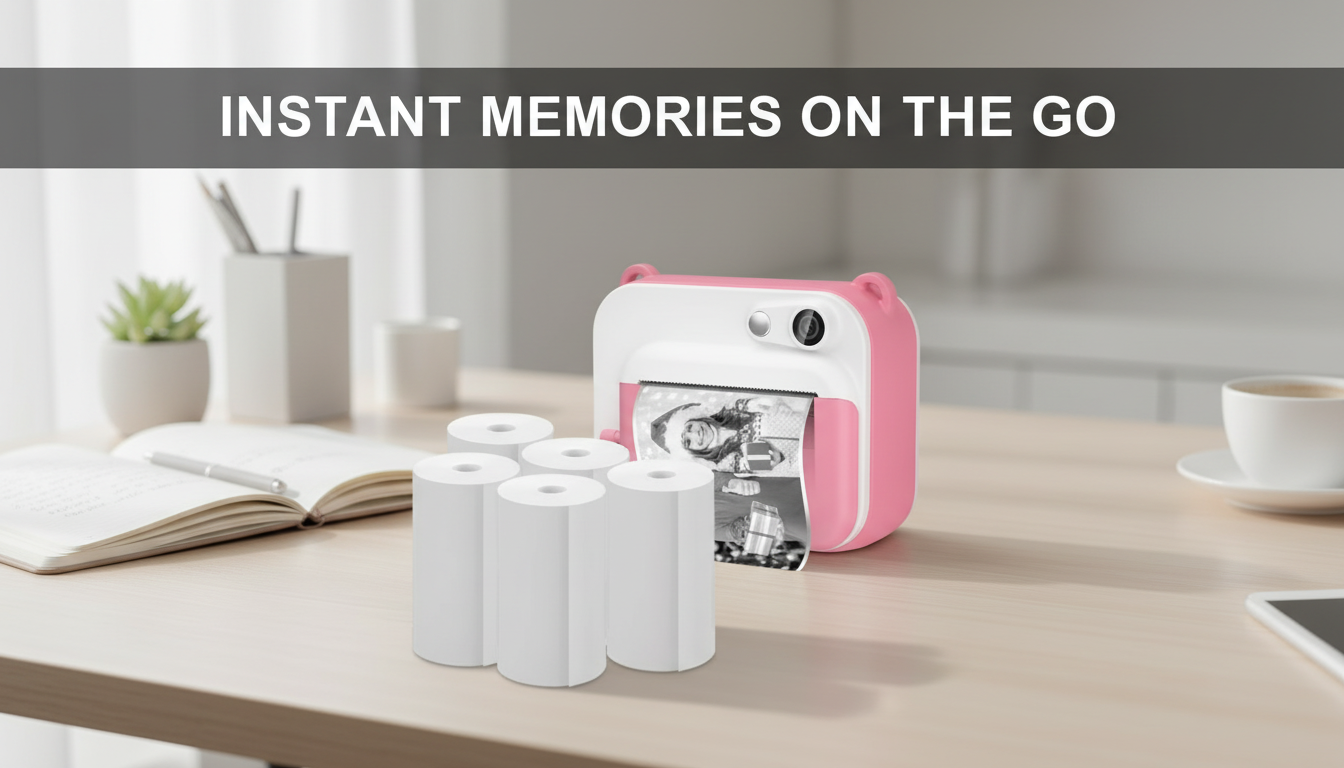
Instant Thermal Paper Rolls for Kids Cameras: What to Look For and How to Use Them
Thermal paper refills keep kids’ instant-print cameras ready for school projects, playdates, and everyday snapshots. The right rolls feed smoothly, print clearly, and are easy to store and replace—without smudges, jams, or wasted paper. A few quick checks before you buy can save a lot of frustration (and a lot of crumpled prints) once kids are ready to click and print.
What instant thermal paper is (and what it isn’t)
Instant thermal paper creates an image when a tiny print head applies heat to a coated paper surface—so there’s no ink cartridge to replace. That’s why kids’ cameras can be simple to use and relatively mess-free: load the roll, close the door, and print.
Most kids’ thermal cameras produce monochrome prints. They’re great for quick keepsakes, sticker-style crafts, captions, and doodles, but they won’t look like photo-lab prints and they’re not designed for fine color gradients.
Thermal prints can fade over time. Heat, direct sunlight, and friction can lighten the image, and some plastics can speed up fading if they trap warmth. If a print is a favorite, it’s smart to scan or photograph it for a digital backup.
Finally, not all rolls are interchangeable. Even if the paper “looks close,” the width, core size, and overall roll diameter need to match the camera’s compartment so the roll spins freely and feeds straight.
Compatibility checklist before buying refills
A roll can be high quality and still perform poorly if it doesn’t fit your child’s camera. Before stocking up, confirm four basics: width, core (inner tube) size, overall roll diameter, and loading direction.
Quick fit check for kids camera paper rolls
| Check | Why it matters | How to confirm |
|---|---|---|
| Width | Prevents skewed feeding and tearing | Measure the old roll or read the camera manual |
| Core diameter | Ensures smooth rotation on the holder | Compare the old core to the new roll’s inner tube |
| Roll diameter | Determines whether the roll fits the compartment | Check compartment clearance before closing the lid |
| Loading direction | Avoids light prints and blank output | Look for arrows/diagrams inside the paper door |
One more practical tip: if your camera has a springy lid or tight latch, avoid “almost fits” rolls. A roll that rubs the housing can cause faint printing, slowed feeding, or paper dust buildup that leads to jams.
Print quality: clarity, contrast, and durability
Thermal paper quality varies more than it seems. A better thermal coating typically produces darker blacks and sharper lines, which helps a lot when kids add captions, draw speech bubbles, or print bold shapes.
Look for rolls that print evenly. Streaks and patchy areas are often a sign of inconsistent coating or poor winding that prevents stable contact with the print head. A slightly thicker paper can also be easier for kids to handle—less curling, fewer accidental tears, and sturdier “mini photos” for craft projects.
To help prints last longer, store finished photos away from direct sunlight and high heat (like a car dashboard). If you want to display prints, choose a cooler spot indoors, and consider rotating the pictures over time so one favorite isn’t always exposed.
Some families also prefer to be mindful about chemicals used in thermal papers. For general background on Bisphenol A (BPA), the CDC’s NIOSH Pocket Guide provides a helpful overview: NIOSH Pocket Guide to Chemical Hazards: Bisphenol A (BPA).
Smooth feeding and fewer jams
Most “camera problems” with instant printing are really paper problems: uneven winding, dusty compartments, or a roll that doesn’t spin cleanly. Tightly and evenly wound rolls are less likely to telescope (shift sideways) as they unwind, which reduces snagging and wrinkling at the exit slot.
A clean tear edge matters, too. When kids pull too hard to detach a print, it can tug extra paper through the mechanism and misalign the next print. If your child loves to tear quickly, teach them to hold the camera steady with one hand and tear straight across with the other.
Easy replacement steps kids can learn
Getting more fun from every roll
When you’re done with test prints and extras, recycling rules depend on local programs. For a clear overview of recycling basics, the U.S. EPA’s guidance is a useful starting point: U.S. EPA: Reduce, Reuse, Recycle.
A practical refill option: 5-roll pack
5 Rolls of Instant Thermal Printing Paper for Kids Camera includes five replacement rolls—an easy stash size for regular printing, craft projects, and travel refills. Keep unopened rolls in a cool, dry drawer to help maintain print quality.
Extra kid-friendly add-ons for creative play
- Kids Wooden Tool Bench Set for hands-on building and pretend play alongside photo “project documentation.”
- Personalized Balloon Letter Necklace for a fun initial accessory that kids can photograph, print, and add to their mini journal pages.
Storage and safety notes for family use
FAQ
Why are my kids camera prints coming out faint?
Common causes include loading the roll backward (wrong side facing the print head), a roll that doesn’t spin freely, or a door that isn’t fully latched. Try reloading the paper, checking for drag in the compartment, and printing a test image.
Do thermal prints last, or do they fade?
Thermal prints can fade with light, heat, and friction. Store prints in a cool, dark place, avoid hot cars and direct sun, and scan favorites if you want a longer-lasting copy.
How do I know which paper roll size fits my child’s camera?
Match the width, core diameter, and overall roll diameter to the camera’s existing roll or the manual. If the compartment won’t close easily or the roll rubs the housing, the roll diameter is likely too large.









Leave a comment